
This guide will explain how to start creating a brand new scenario.
There are various starting points when creating a new scenario in Prepjam.
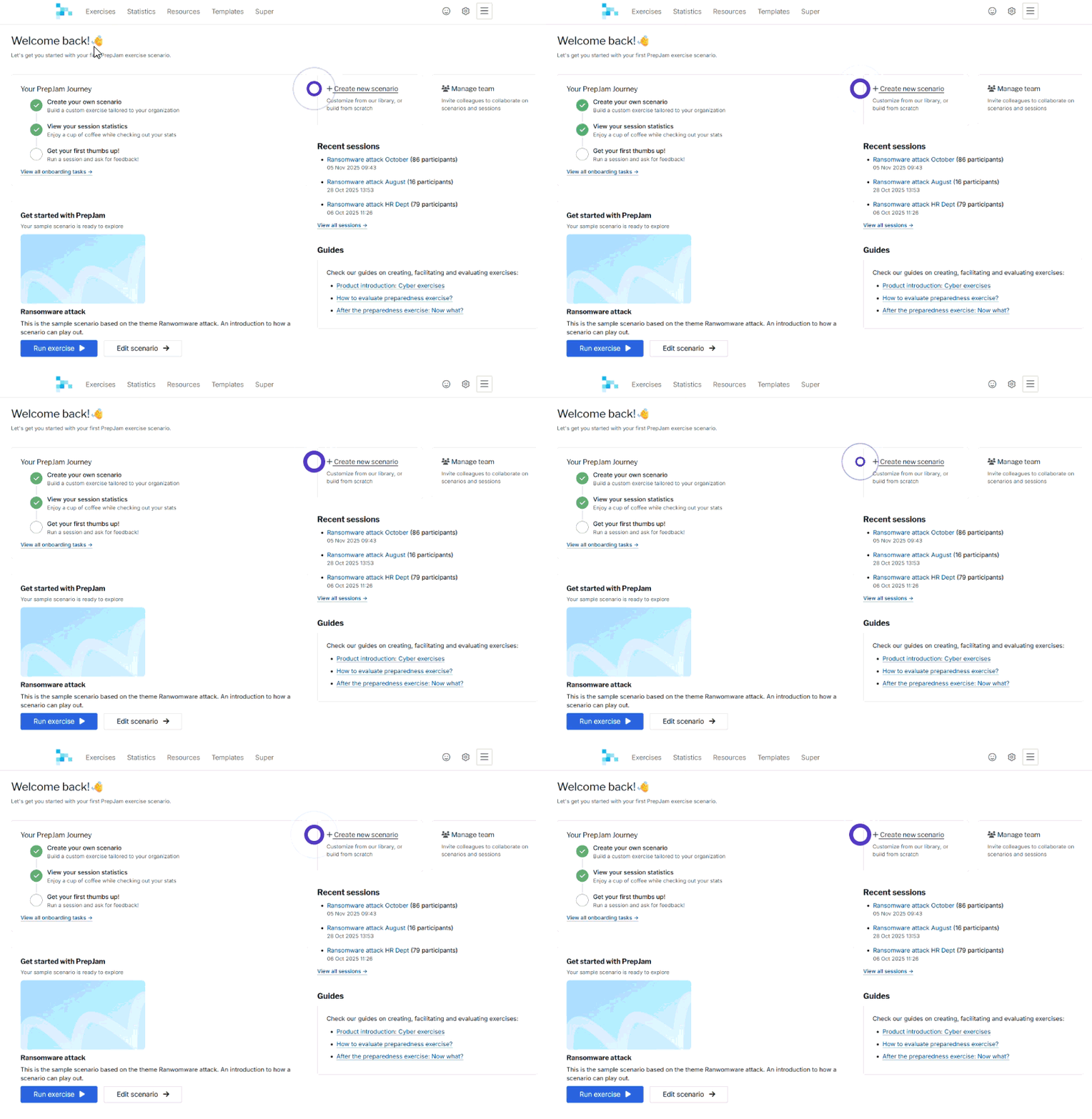
On the dashboard you will find the Create new scenario button on the right side in the center. This will take you take you to the scenario catalog where you also have the option to create from scratch.
In the Exercise menu is the option to enter a scenario name and click Create scenario
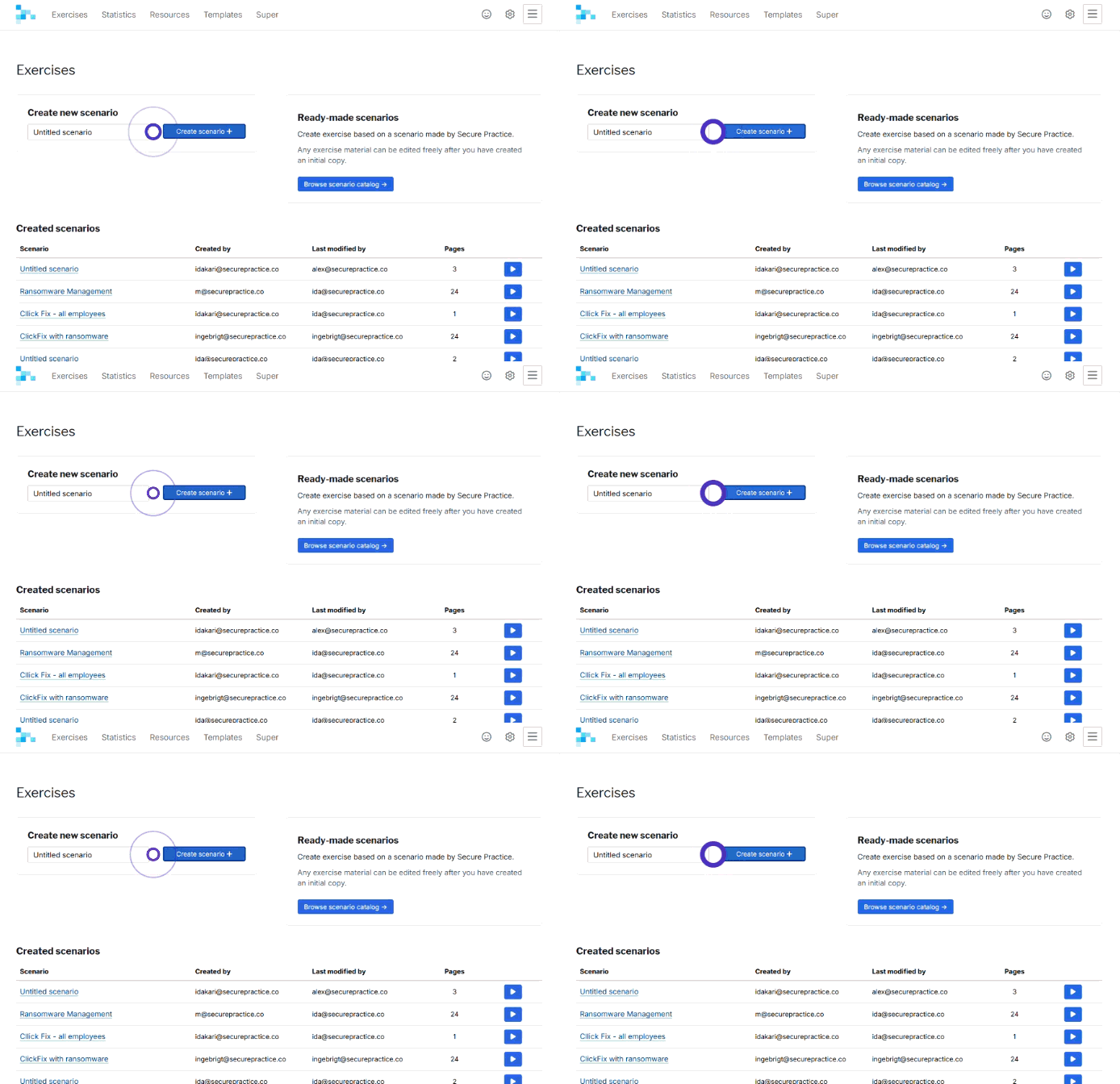
Both options lead to the same scenario builder.
The scenario you created can be accessed from the Exercise menu. In the scenario table the most recent scenario edited will show first.
Read more about how to work with the scenario builder in our guide How to edit a scenario.